


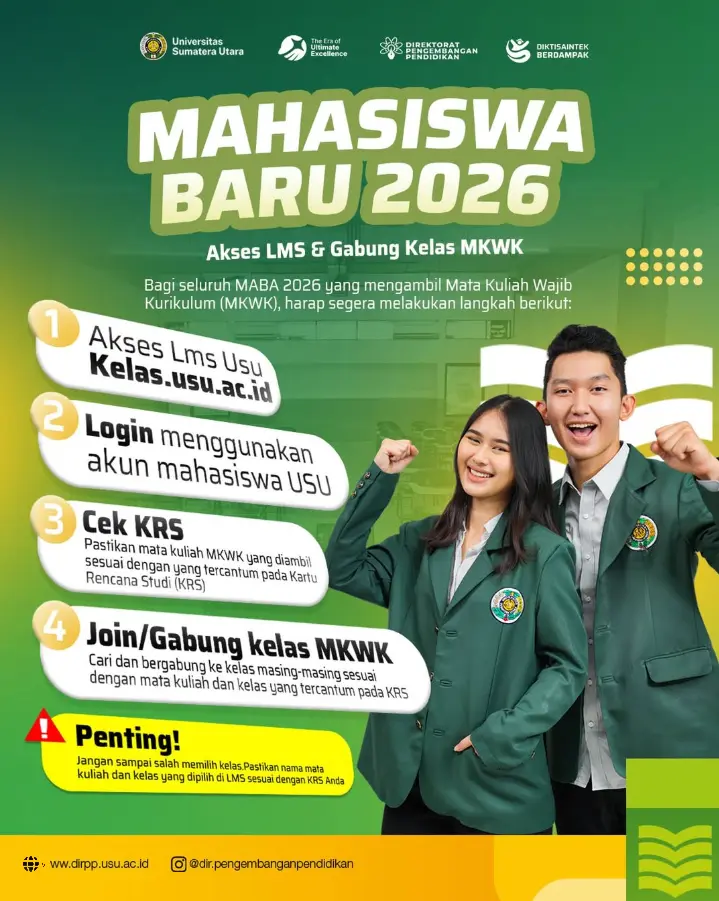
All new students of the 2026 Academic Year enrolled in Compulsory Curriculum Courses (Mata Kuliah Wajib Kurikulum/MKWK) are advised to access the USU Learning Management System (LMS) and join their respective MKWK classes by following these steps:
- Access the USU LMS: Kelas.usu.ac.id
- Log in using your USU student account.
- Check your KRS (Study Plan Card): Make sure the MKWK courses you have enrolled in match those listed on your KRS.
- Search for and join the appropriate MKWK class according to the course name and class listed on your KRS.
Important Information:
Students are reminded to carefully select their classes. Make sure that the course name and class selected on the LMS match those listed on your KRS.
This initiative supports Sustainable Development Goal (SDG) 4: Quality Education, particularly through FEB USU's continued efforts to improve the quality of education by ensuring that students in the Undergraduate Program of Accounting, FEB USU can access and participate in the appropriate courses and gain knowledge through an effective learning process.